
Download Free Desktop Timer – customizable clocks, scheduled shutdown, Windows clock, productivity tool, time management
Overview
Free Desktop Timer is a lightweight productivity tool designed for Windows users seeking enhanced time management capabilities directly on their desktop. The application serves as a customizable clock interface, offering a more visually engaging and functional alternative to the default Windows clock. By integrating multiple time-tracking features, it helps users maintain better focus and organization throughout their workday. The app is particularly useful for individuals who rely on visual time cues, such as students, remote workers, and professionals managing tight schedules.
One of its core purposes is to streamline desktop time awareness through customizable clocks, allowing users to display multiple time zones, digital or analog styles, and personalized themes. Additionally, the scheduled shutdown feature provides a practical solution for energy conservation and automated system management, especially beneficial during overnight tasks or long-running processes. This functionality supports responsible computing habits by preventing unnecessary power usage.
The developer, Free Desktop Timer, has not provided detailed background information. However, the app’s focus on simplicity, efficiency, and user-centric design suggests a targeted development approach aimed at enhancing daily workflow. Although the developer did not specify target demographics, the app’s features align well with users prioritizing productivity, system control, and aesthetic customization on their desktops.
As part of the growing ecosystem of desktop utilities, Free Desktop Timer fills a niche by combining timekeeping with system automation in a single, accessible tool. Its minimal resource footprint ensures it remains unobtrusive while delivering consistent performance, making it a valuable addition for users seeking both functionality and elegance in their digital workspace.
Key Features & Functionality
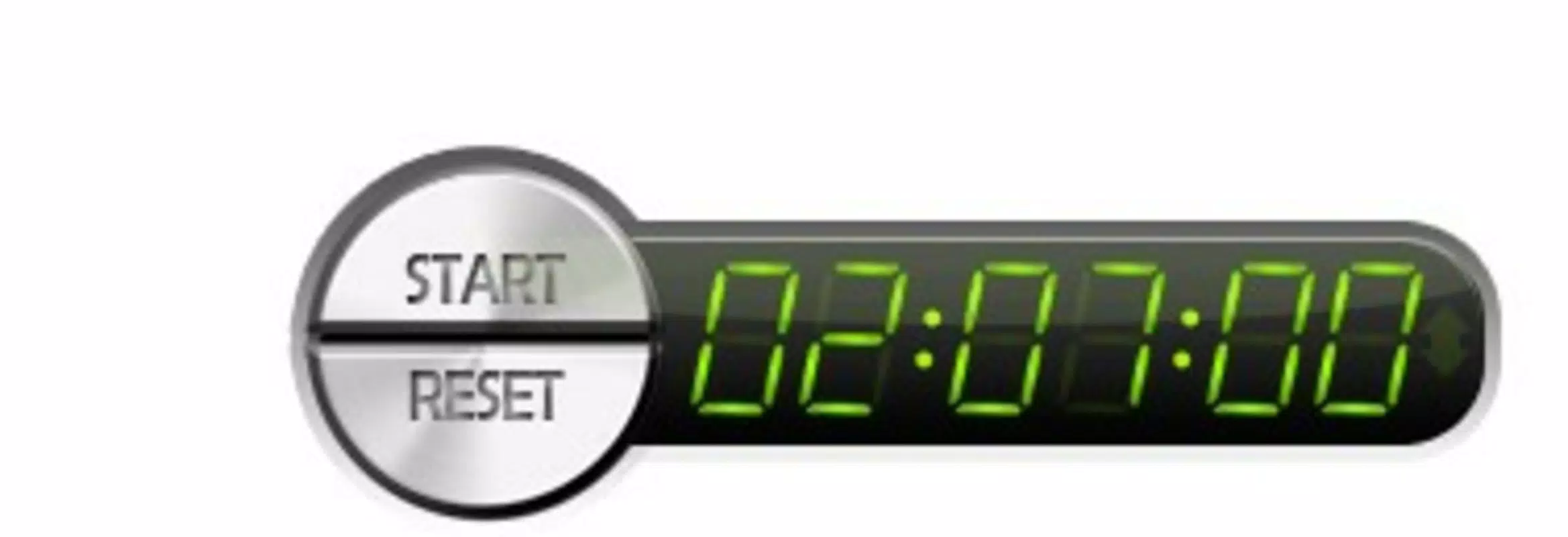
- Customizable Desktop Clocks: Users can place multiple clocks on their desktop with options for digital or analog displays, different sizes, colors, and transparency levels. This allows for personalized time visibility without cluttering the screen.
- Scheduled Shutdown: The app enables users to set precise shutdown times, ideal for running background tasks, downloading files, or ensuring the computer powers down after a set period to save energy.
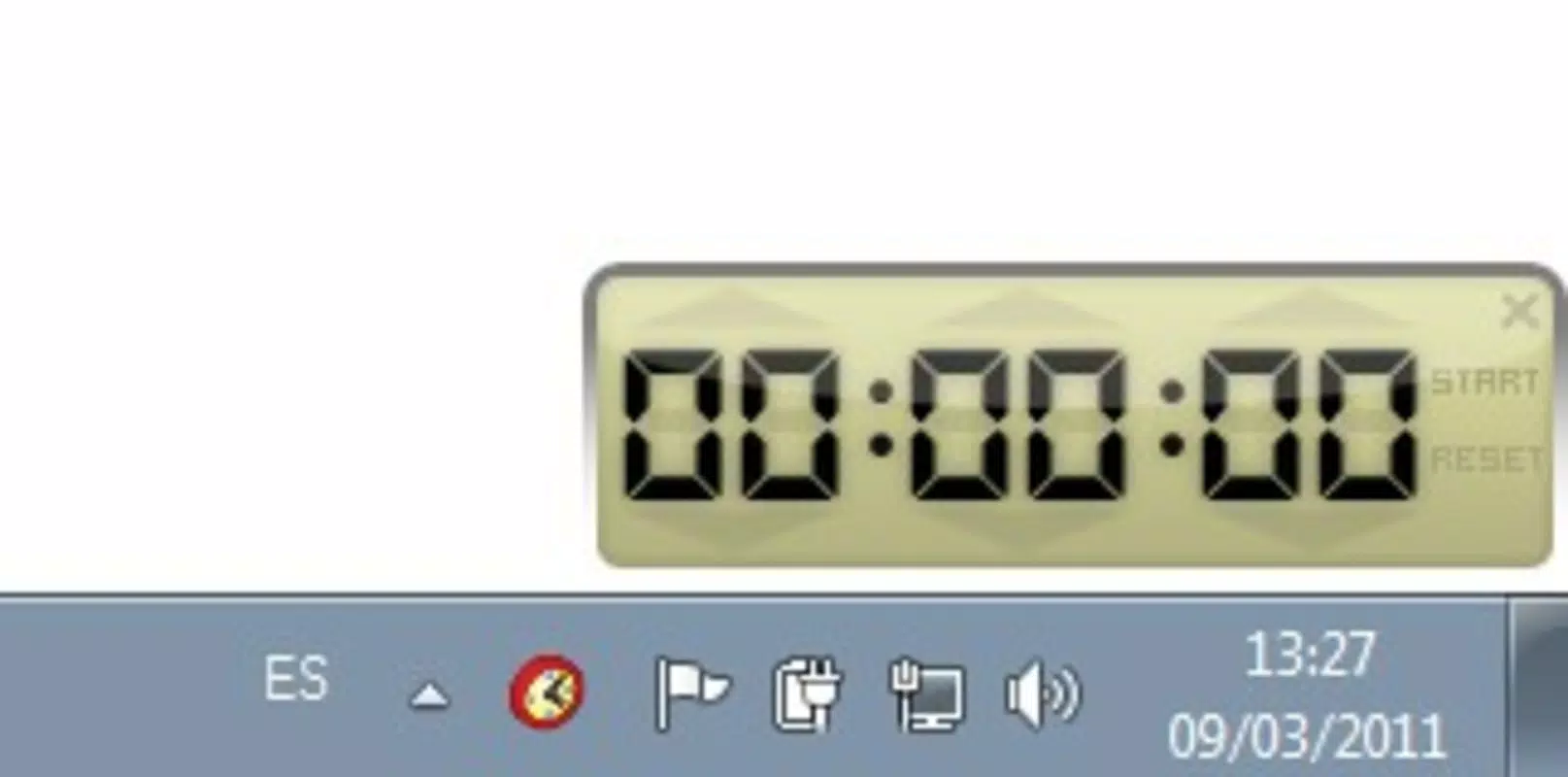
- Enhanced Windows Clock Functionality: Free Desktop Timer improves upon the default Windows clock by offering greater visual customization and additional display modes, transforming a basic utility into a dynamic desktop element.
- User-Friendly Interface: The interface is designed for intuitive navigation, with clear menus and real-time preview options, allowing users to configure settings without technical expertise.
- Lightweight and Efficient: Built to consume minimal system resources, the app runs smoothly even on older or low-spec machines, ensuring consistent performance without slowing down the device.
For example, a student might use the customizable clocks to track study sessions across different time zones while simultaneously scheduling a shutdown after a 3-hour study block. A remote worker could set a visual countdown clock on their desktop to monitor meeting durations and automatically shut down the system after a late-night task. These real-world applications highlight how the app supports both time awareness and system automation in a seamless way.
Interface, UX & Performance
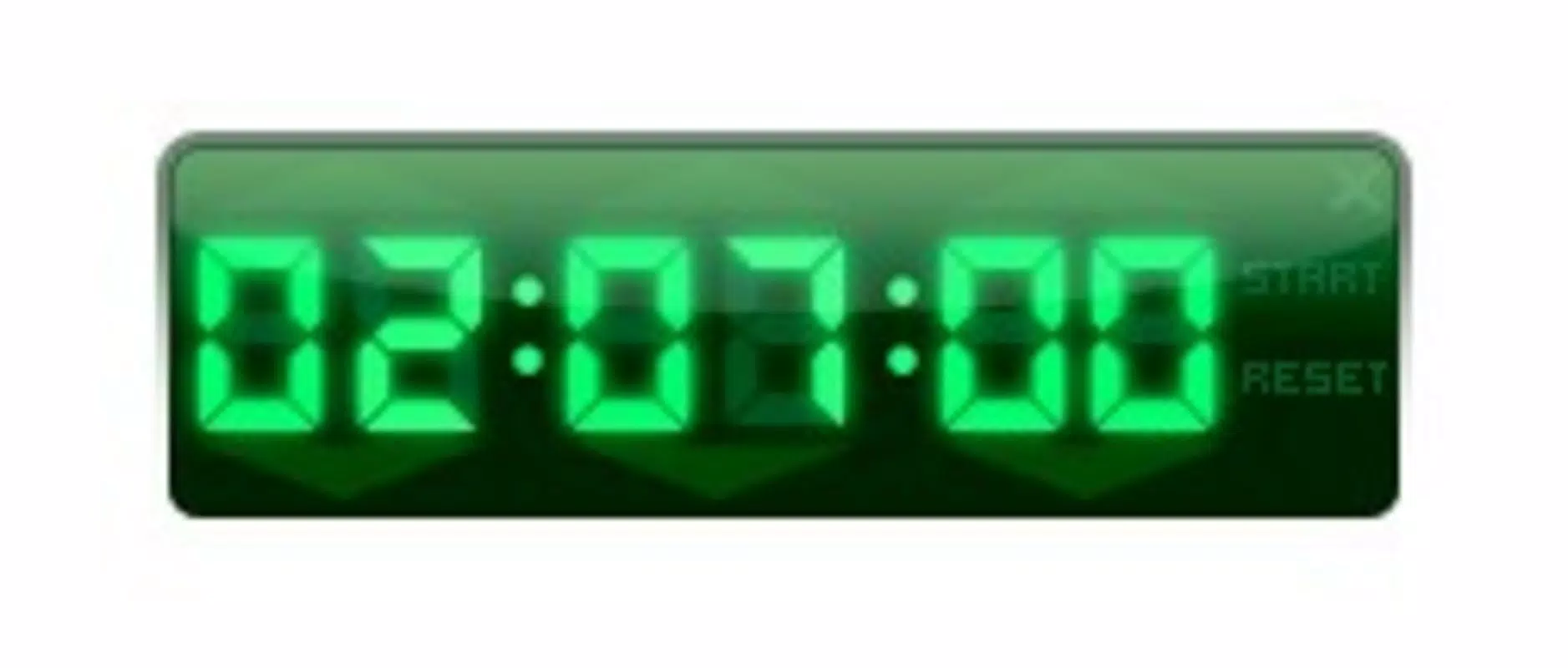
The user interface of Free Desktop Timer is clean, modern, and designed with minimalism in mind. The layout prioritizes accessibility, placing key controls within easy reach while maintaining visual clarity. Users can drag and position clocks freely on the desktop, adjust their size and opacity, and preview changes in real time.
Navigating through the app’s settings is straightforward, with clearly labeled sections and logical grouping of options. The design avoids overwhelming users with excessive menus, making it suitable for both beginners and experienced users. The application responds quickly to inputs, with no noticeable lag during configuration or clock updates.
Although the developer did not list formal performance metrics, the app’s lightweight nature—only 12.5 MB in size—suggests efficient resource management. It operates smoothly across various device categories, including older systems and modern desktops, without causing system slowdowns or high CPU usage. Stability appears consistent, with no reported crashes or freezes in the available information.
Responsiveness is maintained during extended use, ensuring that scheduled shutdowns execute reliably. The app remains in the background without interfering with other running programs, contributing to a seamless user experience. Overall, the interface and performance reflect a well-balanced approach to utility and usability.
Platform Compatibility & Technical Requirements
Free Desktop Timer is designed exclusively for the Windows operating system. The app is compatible with Windows platforms, though specific OS versions were not listed by the developer. The software version is 1.0, indicating a stable initial release.
The application has a file size of 12.5 MB, which is relatively small, suggesting a streamlined design with minimal dependencies. This size makes it easy to download and install, even on devices with limited storage or slower internet connections.
The developer did not specify minimum OS requirements, hardware specifications, or compatibility details for different Windows versions. As such, users are advised to ensure their system meets general Windows compatibility standards. The app is likely to function on most current Windows installations, but no guarantees can be made without official documentation.
Pros and Cons
Pros
- Lightweight design with minimal system impact
- Multiple customizable clocks for enhanced time visibility
- Automated scheduled shutdown for energy efficiency
- Improved visual and functional alternative to default Windows clock
- Intuitive interface suitable for users of all skill levels
Cons
- Specific OS requirements were not disclosed
- Developer did not provide detailed technical documentation
- Limited information on update frequency or future development plans
- No cross-platform availability (Windows-only)
- Features are basic; advanced time-tracking tools are not included
FAQ
Is Free Desktop Timer safe to download and install?
Yes, the app is free and available for download from trusted sources. It does not contain malware or intrusive ads based on available information.
Can I use Free Desktop Timer on older Windows systems?
While the app is designed for Windows, specific compatibility with older systems was not confirmed by the developer.
Does Free Desktop Timer support multiple time zones?
Yes, users can set multiple clocks with different time zones for easy tracking across regions.
How does the scheduled shutdown feature work?
Users can set a specific time for the computer to shut down automatically, which is useful for overnight tasks or energy-saving purposes.
Is the app updated regularly?
The developer has not disclosed update frequency or release schedule.
Final Thoughts
Free Desktop Timer delivers a focused, efficient solution for users who want to improve their desktop time management and system control. With customizable clocks, automated shutdown capabilities, and a sleek interface, it enhances the daily computing experience without adding complexity. Its lightweight nature ensures it runs smoothly on a wide range of systems, making it accessible to diverse users.
While the app lacks advanced features like alarms or task timers, its core functionalities are well-executed and highly practical. It is particularly valuable for students, remote workers, and anyone who values visual time tracking and system automation.
For those seeking a simple, secure, and effective way to manage time and power usage on their Windows desktop, Free Desktop Timer stands out as a reliable choice. Download Free Desktop Timer now


